Screenshots
Description
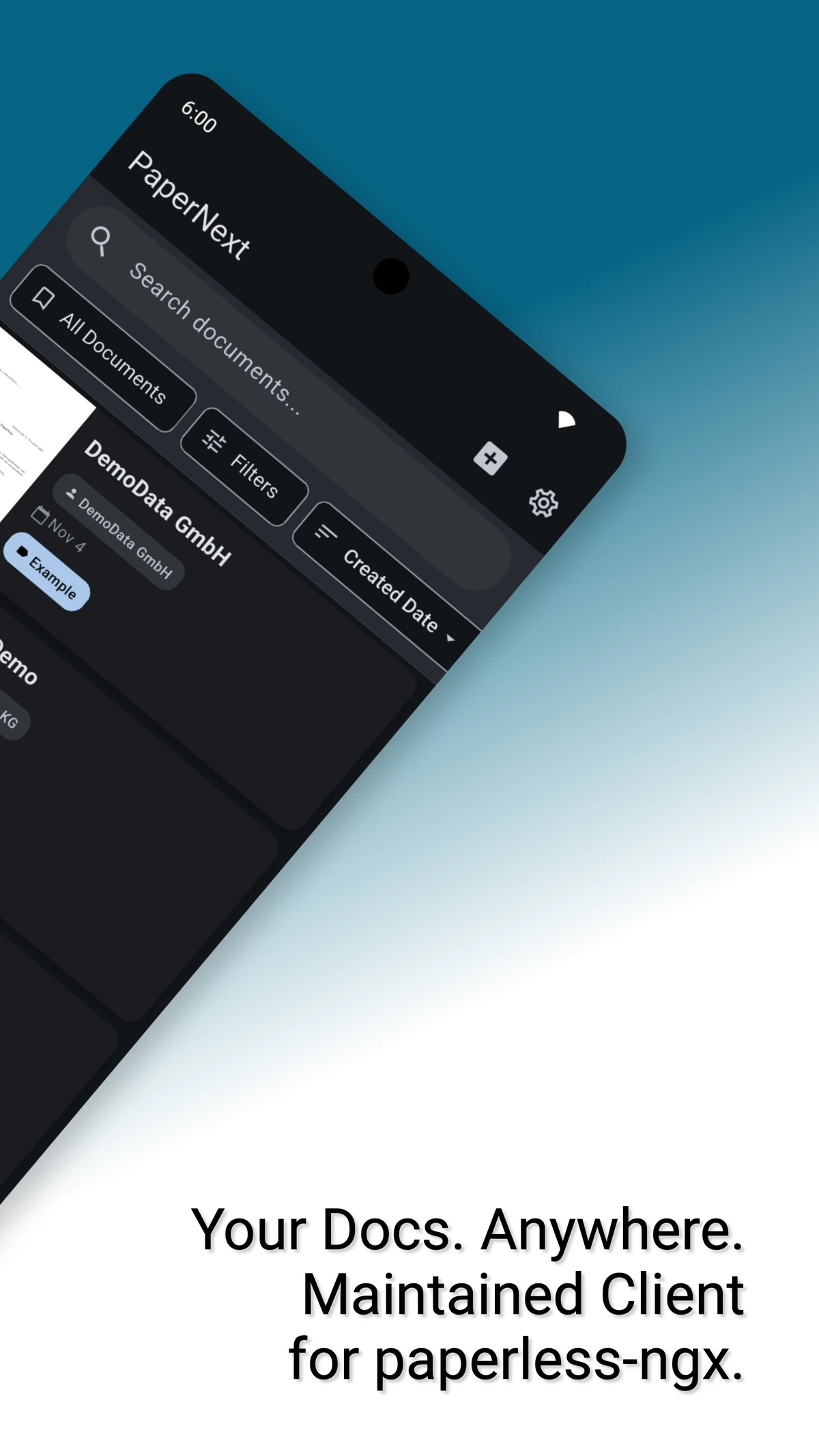
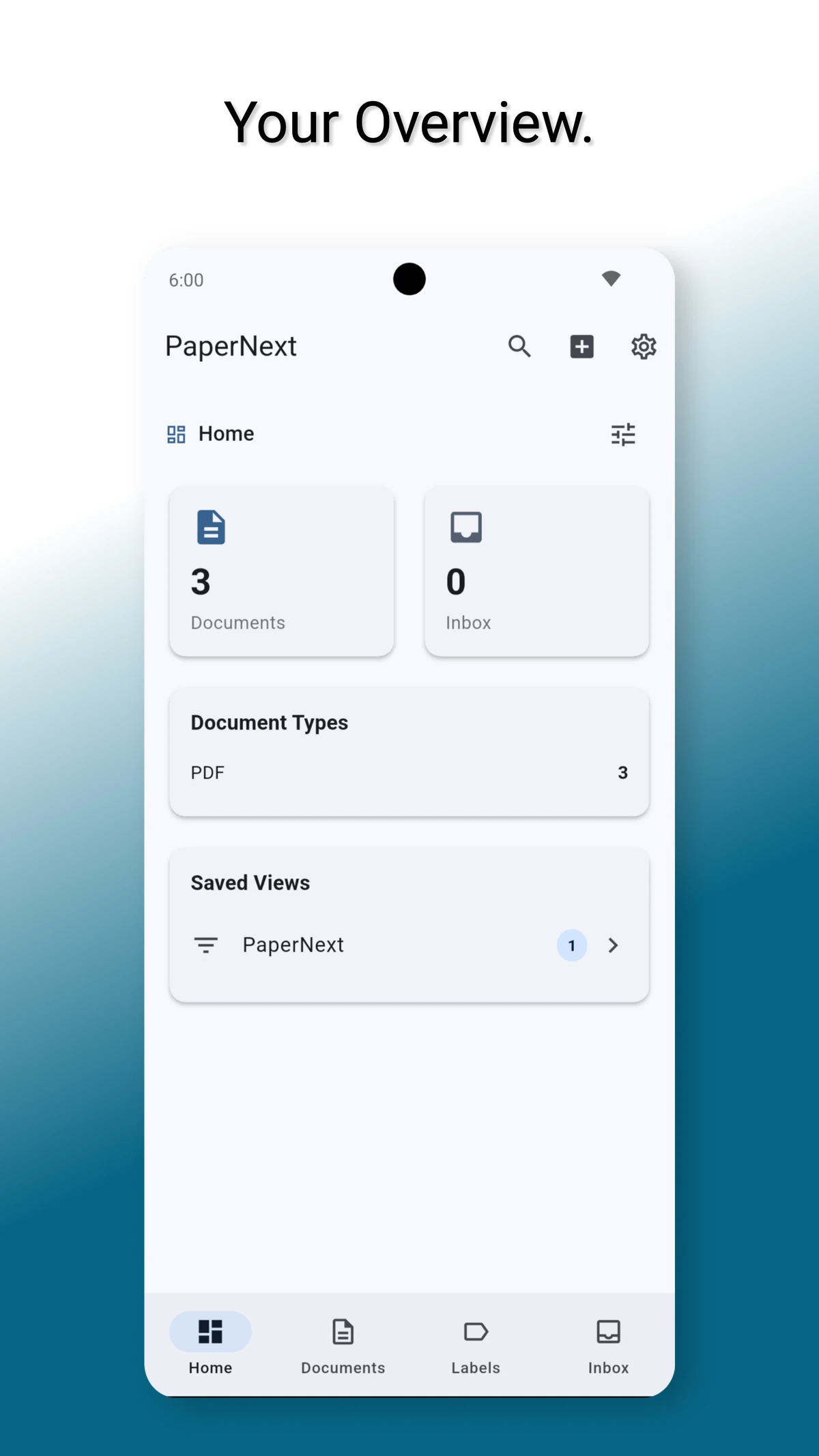
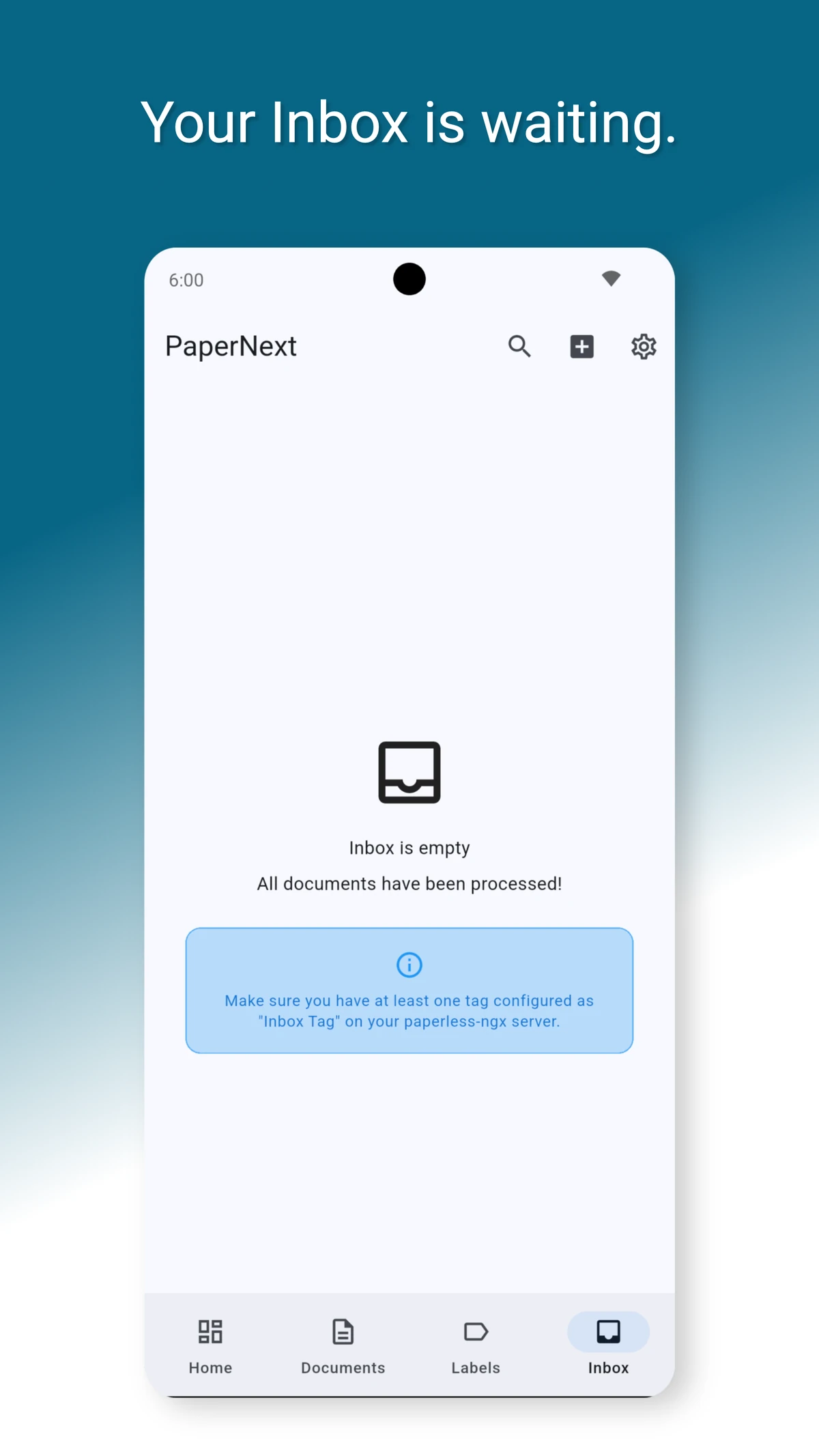
PaperNext – a modern unofficial client for Paperless NGX (API version 10) - View and organize documents - Create and manage notes - Upload documents quickly with tags - Scan documents directly - Manage labels and correspondents - Inbox tag support - Search with autocomplete - Edit and delete documents - View permissions - Extensive customization options - Set custom HTTP header - Define scan presets (automatic tags, etc.) - Full MFA/TOTP support - Offline mode
Changelog
Version: 0.6.2
28.07.2026 19:03Documents sent to the app via the share function could be uploaded twice. Fixed.
Version: 0.6.1
27.07.2026 20:01Saved views on the dashboard were no longer filtered and sorted correctly on paperless-ngx 3 servers. Fixed.
Version: 0.6.0
25.07.2026 14:31New: Support for paperless-ngx 3 with live updates, offline editing, tag hierarchies, document versions, and rotate/OCR. paperless-ngx 2 remains supported. Sync is now faster and uses less data. Fixed: PDF preview zoom/pan, custom field "exists" filters, and incorrectly displayed rotated documents.
Version: 0.5.12
01.03.2026 14:44Multiple simultaneous sync operations could interfere with each other. New sync requests now wait for the running sync to finish instead of starting a second one.
Version: 0.5.11
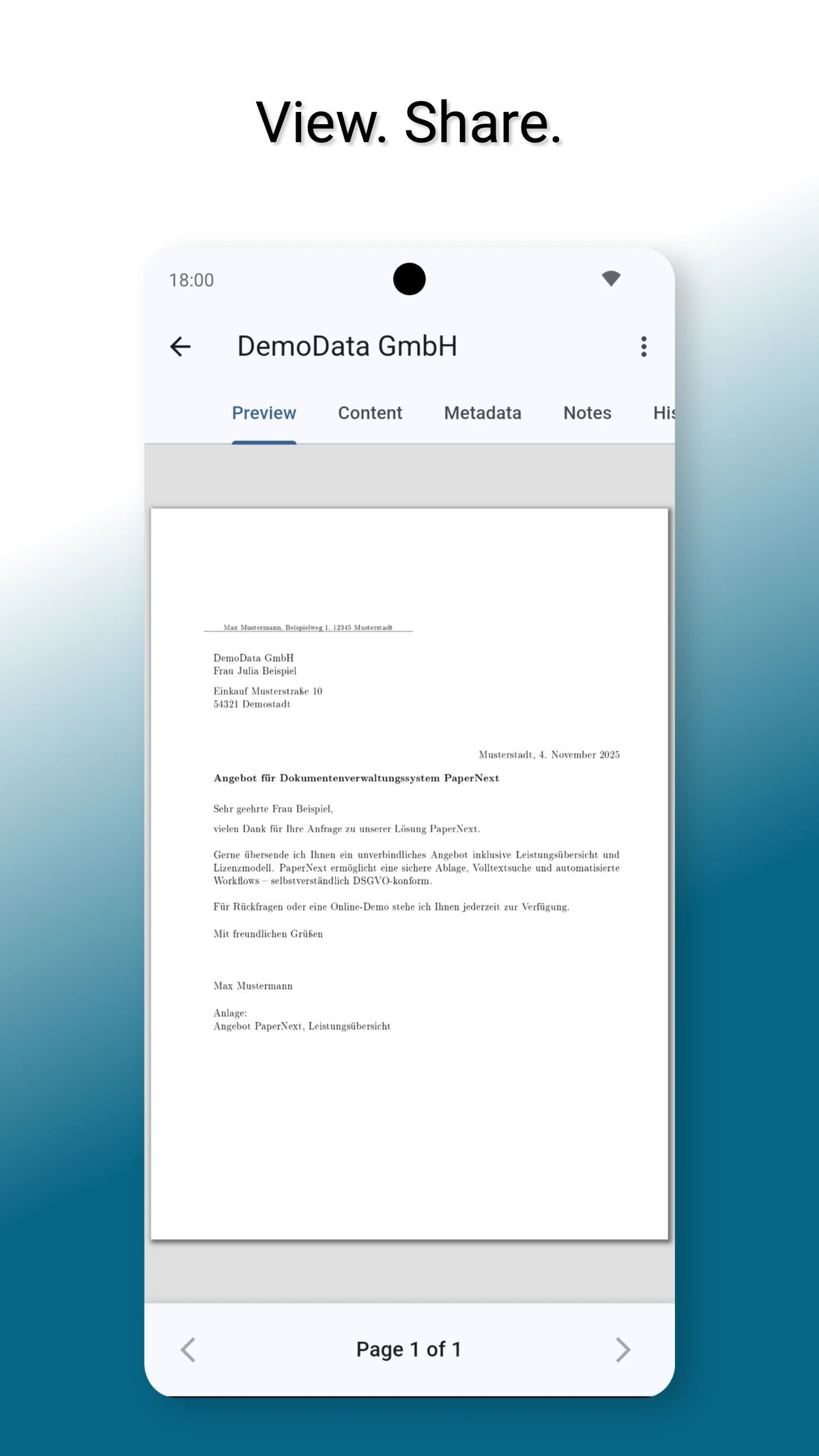
01.03.2026 12:33Edit OCR text directly in the content tab. Edit & delete merged into a compact menu. Simplified scan workflow. Document owner editable in edit screen. Redesigned document view with embedded PDF viewer. Scanner metadata configurable before scanning. Fixed custom header bug. Fixed "No document type" filter in saved views.
Version: 0.5.10
28.01.2026 06:28Relative date filters for saved views. Improved session handling. Password manager support for login fields. Clearer login method selection with segment button. Fixed tablet view layout. Fixed tag exclusion filter.
Version: 0.5.9
22.01.2026 05:54Fixed: Select custom fields can now be saved when editing a document.
Version: 0.5.8
19.01.2026 22:35Custom Fields can now be created, viewed, edited, and deleted under Labels. Improved user interface for Home, Documents, Labels, and Inbox.
Version: 0.5.7
13.01.2026 07:22Fixed a faulty filter that caused the inbox to display too many documents.
Version: 0.5.6
11.01.2026 08:42New PDF viewer with copy support! Sync system completely redesigned with background progress indicator. Biometric lock now has a configurable grace period so you won't be prompted to unlock when briefly switching apps. Fixed saved views display, sorting settings, and download status on start.
Version: 0.5.5
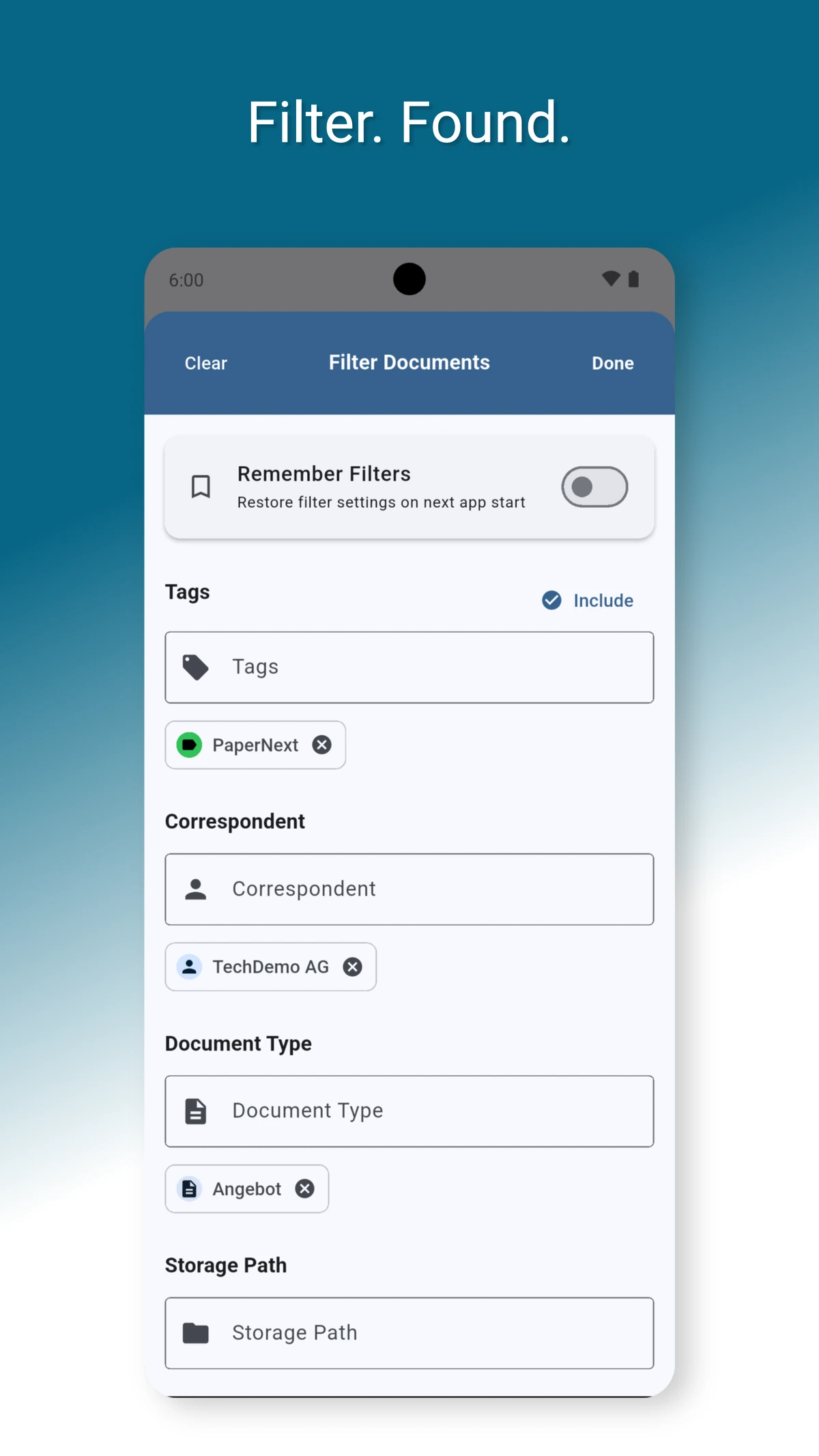
02.01.2026 07:43Redesigned filter interface! Tags, correspondents, owners, and document types can now be fully listed and selected more conveniently. Also improved: Grid view now displays document titles, tags, and custom fields, while list view is now more compact. Fixed metadata display issues in grid view and search suggestions dropdown now closes reliably after selection.
Version: 0.5.4
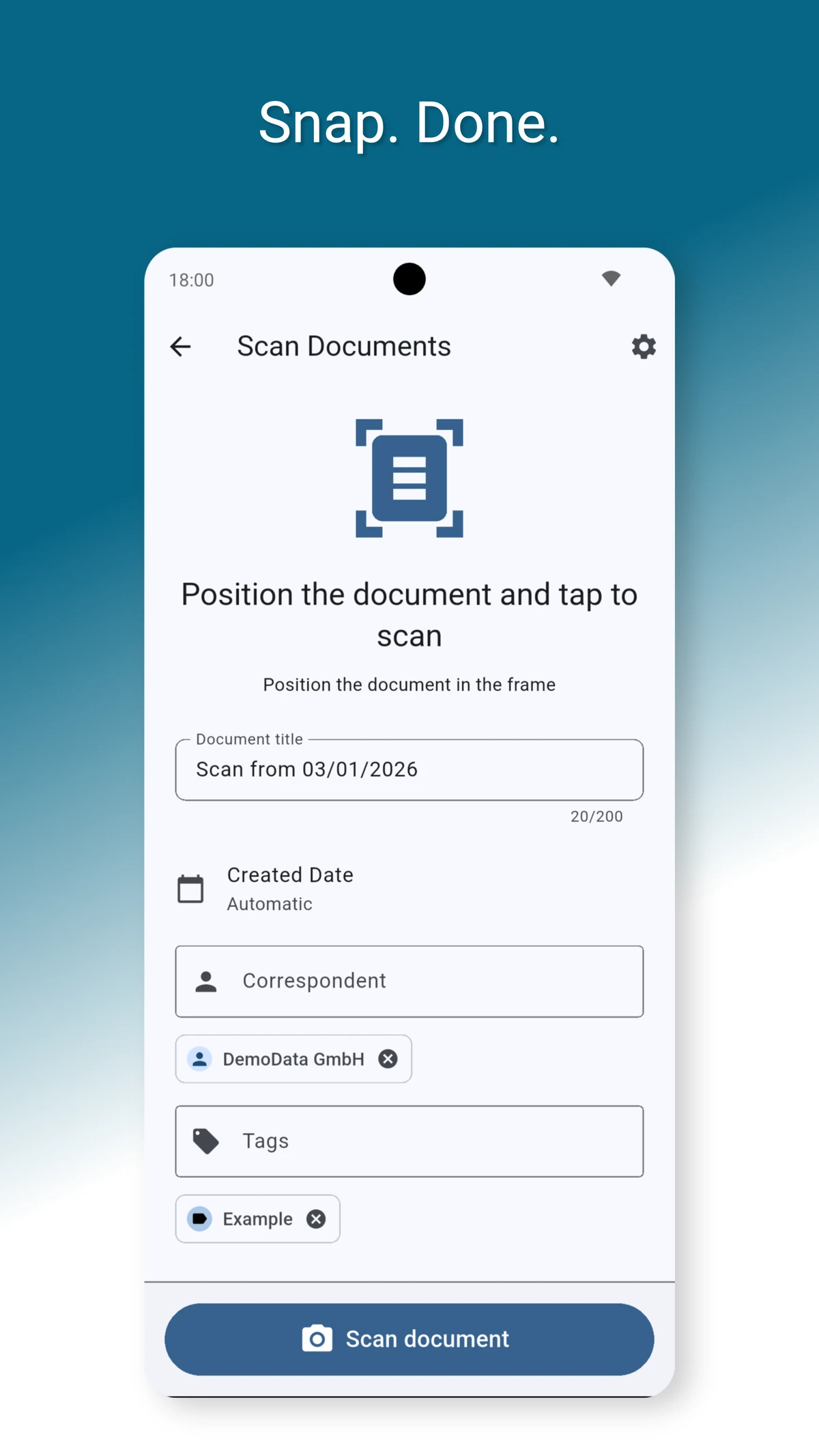
30.12.2025 14:41New document scanner! Now using VisualKit (iOS/iPadOS) and Google ML Kit (Android) with automatic edge detection, filters, and AI-powered spot removal. Also new: Filter documents without owner, extended offline mode (auto-sync or manual), and the version number can now be copied by tapping. Fixed slow inbox loading after first login and improved error handling.
Version: 0.5.3
28.12.2025 09:12The version number in settings can now be copied by tapping on it. Revised the synchronization logic. Improved the design of the upload buttons in the scanner preview and fixed a display error in the page count.
Version: 0.5.2
27.12.2025 13:42Fixed an issue where saved views with multiple document types applied only the first type. All selected document types are now correctly respected in filters.
Version: 0.5.1
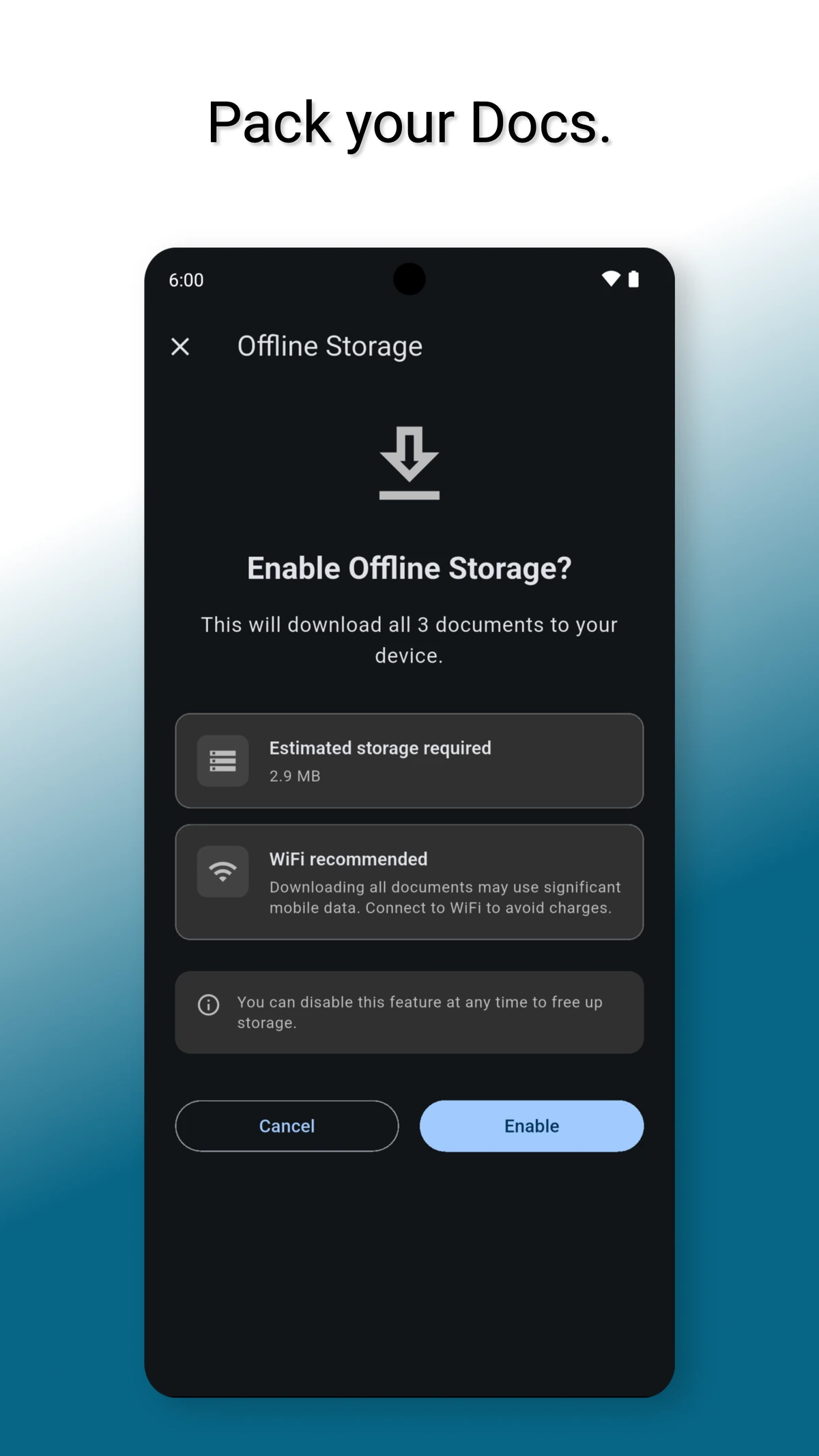
27.12.2025 08:16Improved: Upload screen – Search and create functionality for correspondents, document types, tags and storage paths directly in the upload wizard. Fixed: Saved views display – Saved views are now correctly displayed in the document filter when navigating from the dashboard. Improved: Offline mode – Refined design, improved localization, and enhanced stability for offline document access.
Version: 0.5.0
26.12.2025 07:43New: Offline mode – Documents can optionally be stored offline. Improved: Custom filter OR/AND logic – Custom field filters in saved views now support OR and AND operators. Improved: Filter display – Optimized color scheme of filter display for better readability in dark mode. Improved: Pull to Refresh – Pull to Refresh now works more reliably and syncs data consistently. Improved: Action bar – Redesigned document list toolbar with better icons and two-row layout for improved usability.
Version: 0.4.3
09.12.2025 11:24New: MFA/TOTP support – full integration for time-based one-time passwords. Improved: Login details are retained after failed attempts; only the password needs to be re-entered.
Version: 0.4.2
07.12.2025 21:24New: Grid view for document list – customizable grid layout (2–6 columns) with compact display fields and live preview for column and field visibility. New: Persistent filter settings – filters can be saved and automatically restored on the next app launch (“Remember filters”). Improvement: About section reorganized – app info, changelog, feedback, and legal documents are now directly accessible from the main settings screen. Improvement: Community forum in beta feedback – direct link added for discussion and exchange with other testers. Update: Legal texts updated – privacy policy, terms of use, and imprint revised as of December 4, 2025.
Version: 0.4.1
04.12.2025 12:04New: Document count display shows the number of documents matching active filters Fix: Custom fields are now correctly applied on filters when configured via Saved View Improvement: Documents can now be filtered by owner/user Improvement: Network errors are handled gracefully with user-friendly offline messages instead of raw DIO errors
Version: 0.4.0
30.11.2025 22:48Improvement: When scanning, a dedicated title is shown; the view adjusts to the keyboard and “Done” closes it correctly Improvement: Storage-path dropdown clearly shows “No storage paths configured” when none exist Improvement: Custom-field filters (boolean, text, numeric) work reliably in saved views Fix: Scanner preview no longer overlaps edit or upload buttons Improvement: Tag sets can be efficiently filtered via a search field Improvement: Multiple document types can be selected at the same time Improvement: Multi-page scan has its own toggle; pages can be added explicitly or the mode exited cleanly New: mTLS support including P12/PFX import, secure device storage, automatic server assignment, and hiding irrelevant certificates Fix: Multiple HTTP headers per server are supported; headers can be added and edited in parallel New: Document list is configurable regarding which metadata fields are shown Improvement: New About screen accessible from both login and settings
Version: 0.3.2
24.11.2025 13:41Improvement: Permissions in the document detail view are fully editable Improvement: “Metadata” tab: linked attributes are clickable and open the document screen with filtering activated Improvement: Custom fields can be added to documents Improvement: Filtering by custom fields is possible Improvement: Custom fields are displayed with names instead of IDs
Version: 0.3.1
22.11.2025 19:27Single-Upload is now fixed
Version: 0.3.0
21.11.2025 18:19New: Trash bin now visible in the app New: Custom fields can be created and edited Fix: Legal documents updated Fix: License readable in dark mode
Version: 0.2.19
20.11.2025 07:26New: Edit permissions directly in the Permissions tab using an interactive user-picker dialog Fixed: iPhone tab swipe issue to hidden preview tab (separate mobile/tablet controllers) Fixed: Upload queue notification pluralization for all supported languages Changed: Owner now displayed with full name and email Changed: User IDs in permission lists replaced with usernames
Version: 0.2.18
14.11.2025 20:36Fix: Custom headers improved. New: Document types can now be searched and created automatically if missing. New: Tags can now be searched and created automatically if missing
Version: 0.2.17
11.11.2025 18:28New: Document title on scan Fix: Filter notifications – removed intrusive SnackBar messages when selecting labels. Filters are now applied silently without stacking popups Fix: Date parsing – added robust handling for malformed ISO 8601 timestamps Fix: iOS camera permission
Version: 0.2.16
10.11.2025 17:47Fixed: Filter was not applied when selected in “Inbox”. Fixed: “Results found” bar was hard to read in dark mode. New: Correspondence can now searched for and be created when unavailable. New: Document types can now be managed in Labels.